Duck and Goose Hunting in Quebec: How to Film Every Shot with ShotKam
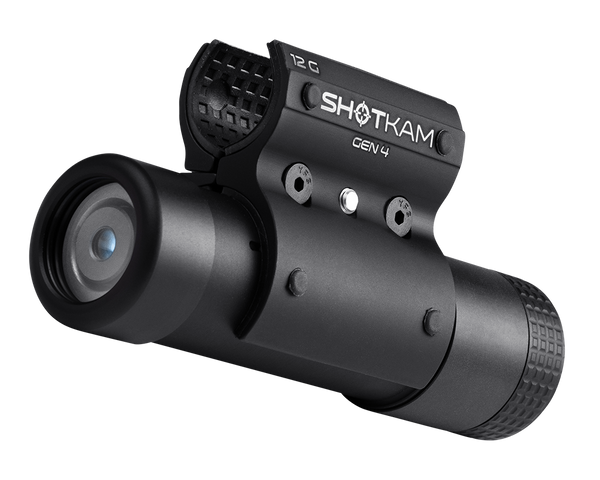
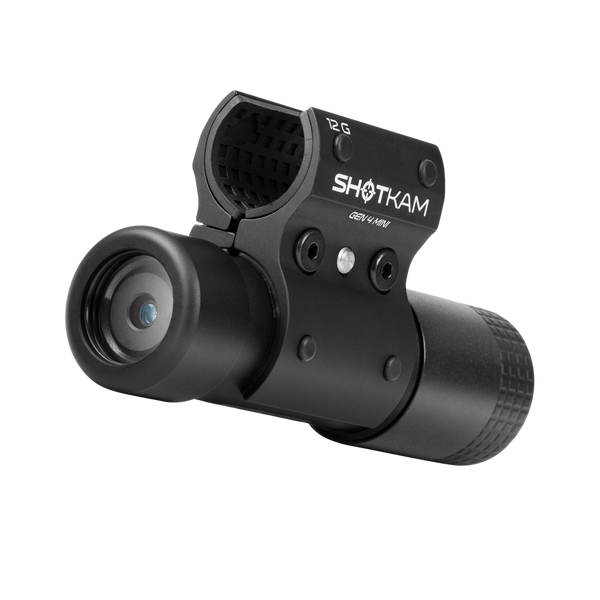
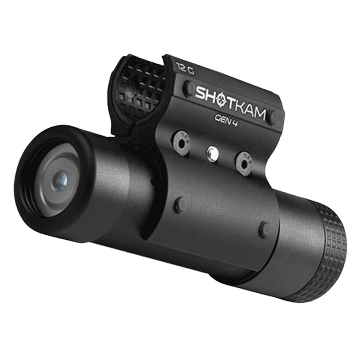
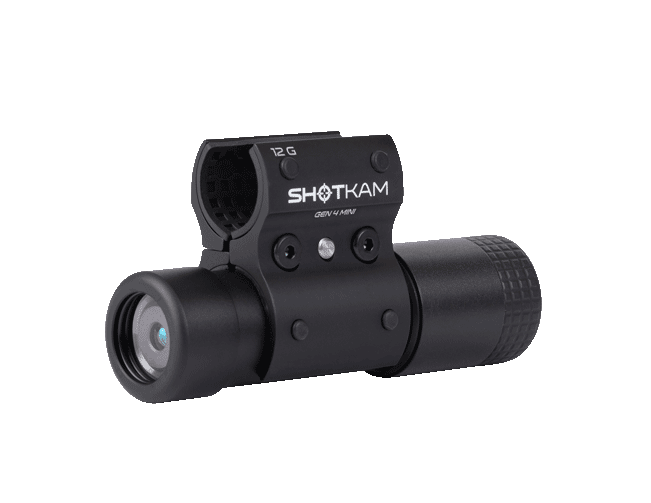
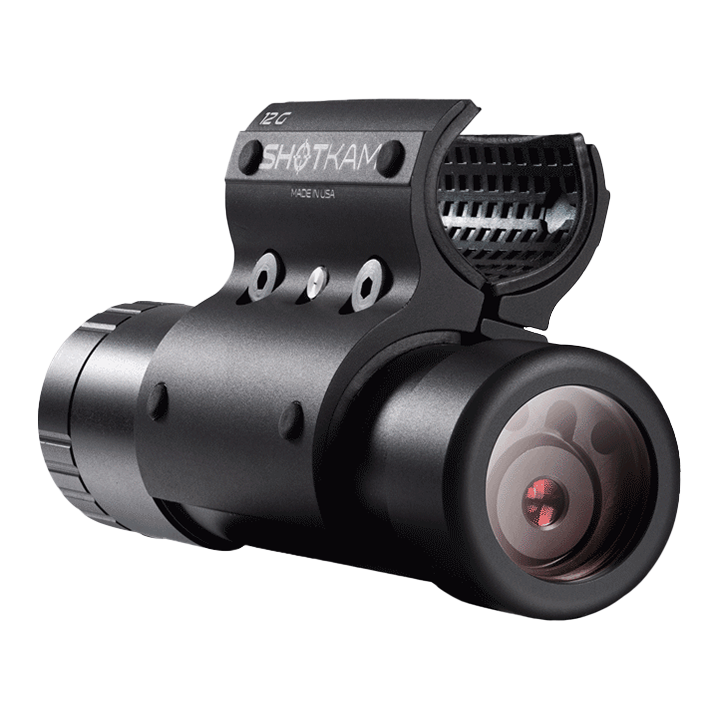
Every waterfowl hunter in Quebec has asked it at least once: "Was I behind that bird?" The ShotKam Gen 4 mounts on your barrel and records exactly what you saw when you pulled the trigger. Back in the blind, you can see whether you were behind, ahead or under.
Step 1: Set it up before the hunt
The ShotKam has its own WiFi antenna built in, so you don't need cell data, Bluetooth or a signal, whether you're in a field or a marsh. Your phone connects straight to the camera, and your videos are never shared with ShotKam.
Download the free ShotKam app for iOS or Android. Connect your phone to the ShotKam's WiFi, open the app and go to Shooting Settings:
- Shooting device: choose your shotgun.
- Target type: Flying Birds.
- Wake-up sensitivity: Normal.
- Video format: 2.7K at 120 fps.
- Save your changes.
Step 2: In the blind
- Turn the ShotKam on with one quick click of the control button (Normal Shooting Mode). A green light comes on.
- Solid green means it's recording and ready.
- After 30 seconds without movement, it goes to sleep to save battery (blinking green).
- When birds are working, wake it with one press of the button, or bump the stock or forend with your hand.
- If it stays asleep for 2 hours, it turns itself off. Wake it at least once an hour with a bump, a shot or a button press.
Step 3: Take the shot
- Shoot within 30 seconds of waking the camera. If the birds circle again, bump the gun to restart the 30 seconds.
- A blinking blue light after the shot means it's saved.
- The ShotKam keeps 3 seconds before and 3 seconds after each shot. Shots less than 9 seconds apart, like a double on geese, end up in the same video.
- Videos play back at 1/3 speed, so you can see your lead frame by frame.
Check your lead in the blind
Between flights, open the app and watch your shots. Did you stop the gun? Were you behind the drake? The ShotKam shows you, and you can fix it before the next flight.
Late season
The ShotKam Gen 4 is rated IPX6 and works down to -10°C. For cold mornings in November and December, read our guide Does ShotKam work in the cold?
Know the regulations
Check the current federal migratory bird regulations and Quebec rules (season dates, bag limits, non-toxic shot) before you go out.
Ready for the season? The ShotKam Gen 4 is C$899 in Canada, duties and taxes included, with free shipping.
You are reading:
Duck and Goose Hunting in Quebec: How to Film Every Shot with ShotKam
More Articles You Might Like

Best Gun Camera for Hunting in Canada (2026): What to Look For
What matters in a hunting gun camera in Canada: automatic recording, an aim reticle, cold-weather battery, no cell signal needed and moun...

Moose and Deer Hunting with a ShotKam: Review Every Rifle Shot
The best ShotKam settings for moose and deer, and how your video helps you review shot placement and track the animal.