Moose and Deer Hunting with a ShotKam: Review Every Rifle Shot
For Canadian big game hunters, the moment of the shot is over in a second, and it's often the part you remember least clearly. Did the moose flinch? Was the shot where you thought it was? A ShotKam on your rifle records the shot from the barrel's point of view, so you can watch it back in the field and know exactly what happened.
Set up your ShotKam for big game
In the free ShotKam app, go to Shooting Settings, set the target to Ground Game, and set the shooting device to Rifle. In this mode, each saved clip includes 15 seconds before the shot and 20 seconds after it. That's enough to see the animal's approach, the shot, and how it reacts.
Then calibrate the reticle to your riflescope's zero distance, for example 100 metres, so the red dot in the video matches your point of aim.
Wake it up before you shoot
On a stand or in a blind, your rifle often sits still with the action closed for a long time. After 5 minutes without movement, the ShotKam goes to sleep to save battery. To wake it and start recording, close the action or give the rifle a light bump before you take the shot. Make it part of your routine as the animal comes in, just like taking the safety off.
Prefer not to bump? In the app, set Wake-Up Sensitivity to Sleep Disabled, and the camera stays awake and ready, with no bump needed. The battery then lasts about 2.5 hours instead of up to 15, so switch the camera off during quiet spells and back on when you hear or see something coming.
Or use Constant Record Mode for the big moment
For moose, elk or a trophy whitetail, many hunters prefer Constant Record Mode, so there's nothing to remember. With the camera off, double-click the button to start constant recording. The ShotKam then records continuously for about 2.5 hours, saving the video in 20-minute files with no gap between them. Once you've taken your shot, stop the recording.
Use your video to track the animal
After the shot, connect your phone to the camera's Wi-Fi, open the ShotKam app and tap Watch Videos. You can see where the reticle was when you fired, and how and where the animal ran. Together with the blood trail, this helps you know where the animal was hit and which way to start tracking. If the shot was further back than the heart and lungs, you'll know before you set off, and you can give the animal time, call for help or bring a dog.
Pick the right mount
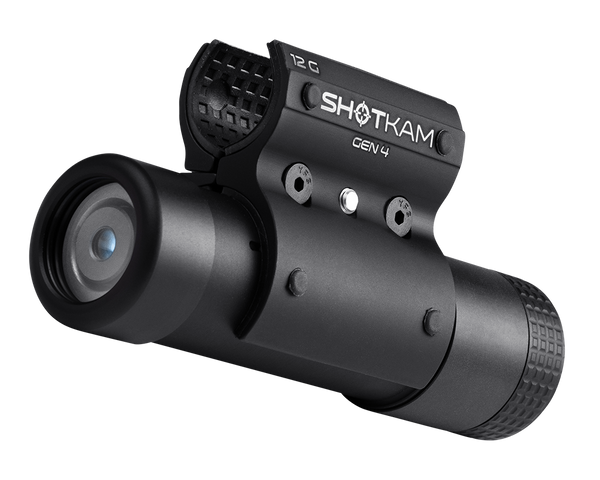
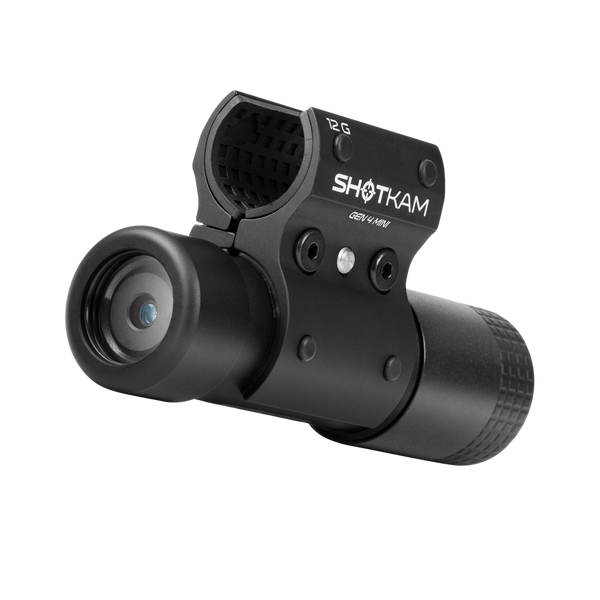
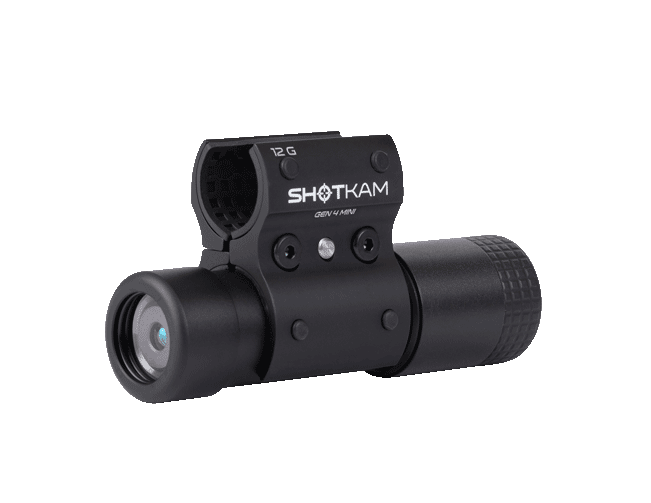
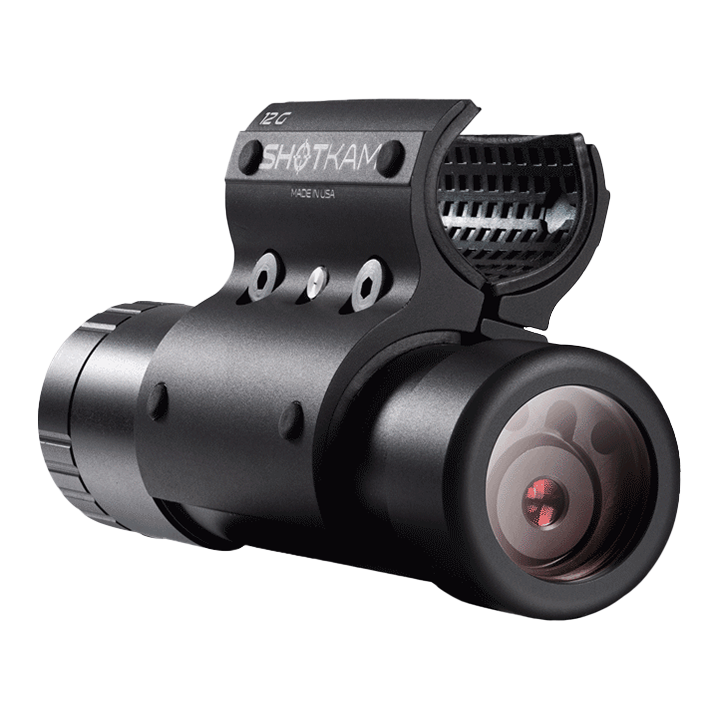
The Gen 4 comes with a 12 gauge mount, which fits rifle barrels from 21.5 to 26 mm. For slimmer barrels, rifles with a muzzle brake, or rifles with a Picatinny rail, see which ShotKam mount fits your rifle.
Ready for your next hunt? The ShotKam Gen 4 is C$899 in Canada with a 12 gauge mount, duties and taxes included, and free shipping.
You are reading:
Moose and Deer Hunting with a ShotKam: Review Every Rifle Shot
More Articles You Might Like

Best Gun Camera for Hunting in Canada (2026): What to Look For
What matters in a hunting gun camera in Canada: automatic recording, an aim reticle, cold-weather battery, no cell signal needed and moun...

Duck and Goose Hunting in Quebec: How to Film Every Shot with ShotKam
The right ShotKam Gen 4 settings for ducks and geese, how to wake it in the blind, and how to review your lead between flights.